
The Microsoft Power BI Data Analyst Professional Certificate is a beginner-friendly, end-to-end learning program designed to make learners job-ready for Data Analyst roles. The program covers the complete data analysis lifecycle—from preparing and transforming data to modeling, visualization, deployment, and maintenance of Power BI assets. Learners gain hands-on experience with Microsoft Excel and Power BI, learn DAX for calculations, build interactive dashboards, apply security and performance optimization, and complete a capstone project. The program also includes optional modules on Generative AI for Power BI, aligning learners with modern analytics trends and preparing them for the PL-300 certification exam.
Course Description | Microsoft Launches Power BI Data Analyst Certification Courses for 2026
The Microsoft Power BI Data Analyst Professional Certificate is a beginner-friendly, end-to-end learning program designed to help learners build practical data analytics skills using Microsoft Power BI and Excel. The program covers the complete data analysis lifecycle, including data preparation, transformation, modeling, visualization, deployment, and maintenance of Power BI assets. Learners gain hands-on experience with real-world datasets, create interactive dashboards, write DAX calculations, apply security and performance optimization techniques, and complete a capstone project. The program also includes optional learning on Generative AI for Power BI and prepares learners for the Microsoft PL-300 certification exam, making it an ideal choice for beginners aspiring to become job-ready data analysts.
Eligibility Criteria | Microsoft Launches Power BI Data Analyst Certification Courses for 2026
The Microsoft Power BI Data Analyst Professional Certificate is open to learners from all educational backgrounds and does not require any prior experience in data analytics or programming. Beginners, students, fresh graduates, and working professionals can enroll, as the program starts from the fundamentals and gradually builds advanced Power BI skills. Basic computer knowledge and familiarity with spreadsheets are helpful but not mandatory. Anyone interested in data analysis, business intelligence, or preparing for the Microsoft PL-300 certification can successfully pursue this program with a willingness to learn and practice.
How to Enroll | Microsoft Launches Power BI Data Analyst Certification Courses for 2026
There are primarily three ways to access and enroll in these IBM Data Science courses on Coursera:
- Enroll for Free (Audit Option): The Microsoft Power BI Data Analyst Professional Certificate can be explored for free through Coursera’s audit option. By choosing this option, learners can access course videos, readings, and conceptual learning materials without any cost. However, graded assignments, hands-on labs, quizzes, capstone projects, and the official certificate are not included in the audit mode. This option is ideal for learners who want to understand the course structure and topics before committing to a paid plan.
- Enroll with Certificate Option (Paid): Learners who opt for paid enrollment receive full access to all course features, including graded assignments, real-world projects, hands-on Power BI practice, assessments, and the capstone project. Upon successful completion, learners earn an official Microsoft Professional Certificate, which can be added to resumes, LinkedIn profiles, and professional portfolios. This certificate validates practical Power BI and data analysis skills and helps strengthen job prospects for roles such as Data Analyst, Business Intelligence Analyst, and Reporting Analyst.
- Consider Coursera Plus: For learners planning to complete multiple courses or professional certificates, Coursera Plus offers a cost-effective learning solution. With a single subscription, learners gain unlimited access to thousands of courses and certificates, including the Microsoft Power BI Data Analyst Professional Certificate. This option is ideal for long-term learners aiming to upskill across data analytics, business intelligence, and technology domains while earning multiple certificates at their own pace.
Also Read: Free Data Science course for beginners with certification from Cisco
Course 1: Preparing Data for Analysis with Microsoft Excel
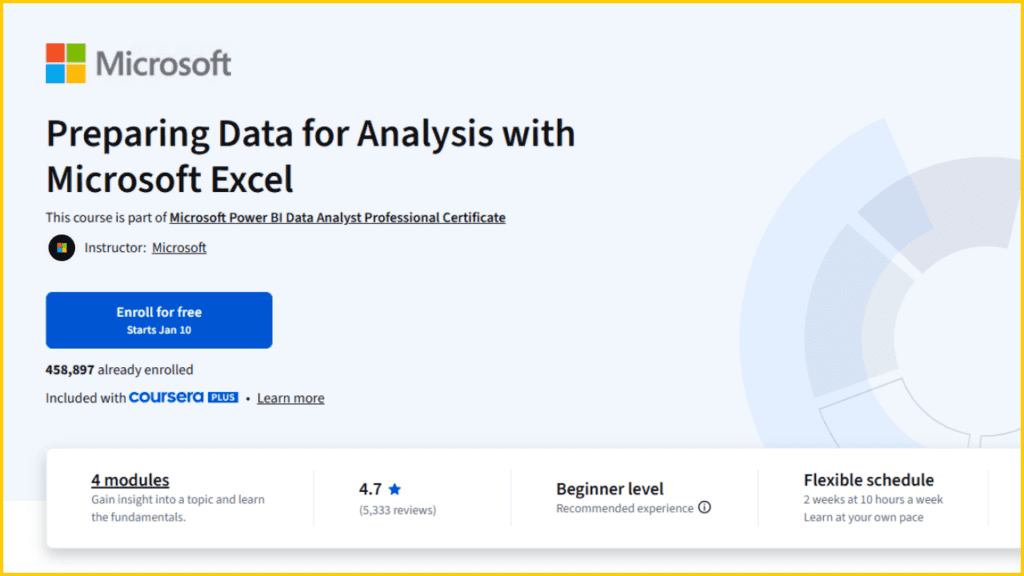
Preparing Data for Analysis with Microsoft Excel is a beginner-level course designed to help learners build a strong foundation in data preparation using Microsoft Excel. This course is part of the Microsoft Power BI Data Analyst Professional Certificate and focuses on essential data cleaning, data organization, and formatting techniques required for effective data analysis. Learners will understand how raw data is transformed into structured, analysis-ready datasets. The course also includes a NEW optional introduction to Generative AI, providing early exposure to how AI is being used in modern data analysis workflows.
Course Details
- Platform: Coursera
- Offered By: Microsoft
- Instructor: Microsoft
- Enrollment: 458,897 learners already enrolled
- Included With: Coursera subscription
- Duration: 2 weeks (10 hours per week)
- Difficulty Level: Beginner
- Recommended Experience: No prior experience required
- Pace: Flexible schedule, learn at your own pace
- Learner Satisfaction: ⭐ 4.7 rating (5,333 reviews)
- Modules: 4 modules
- Course Approval: 96% of learners liked this course
What You Will Learn
- Understand the importance of data preparation in the data analysis process and how clean data impacts business decisions.
- Learn how to clean, organize, and format raw data using Microsoft Excel.
- Apply techniques such as removing duplicates, handling missing values, and preparing datasets for analysis.
- Gain practical experience with Excel tools and features commonly used by data analysts.
- Explore a NEW optional introduction to Generative AI and understand how AI can support data preparation and analytical tasks.
Course Link: Click Here
How to Enroll For Free Guide : Click here
Course 2: Harnessing the Power of Data with Power BI

Harnessing the Power of Data with Power BI is a beginner-level course designed to introduce learners to the core concepts of data analysis using Microsoft Power BI. This course is part of the Microsoft Power BI Data Analyst Professional Certificate and focuses on helping learners understand how data-driven decisions are made using modern BI tools. The course provides a clear overview of the data analysis process, the role of a Power BI Data Analyst, and the key components of the Power BI ecosystem.
Course Details
- Platform: Coursera
- Offered By: Microsoft
- Instructor: Microsoft
- Enrollment: 156,443 learners already enrolled
- Included With: Coursera subscription
- Duration: 2 weeks (10 hours per week)
- Difficulty Level: Beginner
- Recommended Experience: No prior experience required
- Pace: Flexible schedule, learn at your own pace
- Learner Satisfaction: ⭐ 4.6 rating (1,876 reviews)
- Modules: 3 modules
- Course Approval: 95% of learners liked this course
What You Will Learn
- Recognize and use the key components of Microsoft Power BI for data analysis.
- Understand the skills, tasks, and tools used by a Power BI Data Analyst in real-world scenarios.
- Learn the different stages of the data analysis process that lead to data-driven decision-making.
Course Link: Click Here
How to Enroll For Free Guide : Click here
Course 3: Extract, Transform, and Load Data in Power BI

Extract, Transform, and Load Data in Power BI is a beginner-level course designed to help learners understand how data is collected, cleaned, and prepared for analysis in Microsoft Power BI. This course is part of the Microsoft Power BI Data Analyst Professional Certificate and focuses on core ETL (Extract, Transform, Load) processes used by data analysts. Learners gain hands-on knowledge of connecting data sources, transforming raw data, and preparing datasets for effective data modeling and analysis.
Course Details
- Platform: Coursera
- Offered By: Microsoft
- Instructor: Microsoft
- Enrollment: 109,251 learners already enrolled
- Included With: Coursera subscription
- Duration: 2 weeks (10 hours per week)
- Difficulty Level: Beginner
- Recommended Experience: No prior experience required
- Pace: Flexible schedule, learn at your own pace
- Learner Satisfaction: ⭐ 4.6 rating (1,019 reviews)
- Modules: 4 modules
- Course Approval: 92% of learners liked this course
What You Will Learn
- Learn how to set up data sources and configure different storage modes in Microsoft Power BI.
- Understand how to clean and transform data to prepare it for data modeling.
- Use data profiling tools to identify data anomalies and quality issues.
- Reference queries and dataflows effectively and use the Advanced Editor to modify and manage transformation code.
Course Link: Click Here
How to Enroll For Free Guide : Click here
Also Read: Best Free Course For Jobseekers | TCS Career Edge
Course 4: Data Modeling in Power BI

Data Modeling in Power BI is a beginner-level course that focuses on building efficient and scalable data models for analysis in Microsoft Power BI. This course is part of the Microsoft Power BI Data Analyst Professional Certificate and helps learners understand how data relationships, calculations, and performance optimization play a critical role in creating reliable business intelligence solutions. The course introduces core modeling concepts used by professional Power BI Data Analysts.
Course Details
- Platform: Coursera
- Offered By: Microsoft
- Instructor: Microsoft
- Enrollment: 90,076 learners already enrolled
- Included With: Coursera subscription
- Duration: 2 weeks (10 hours per week)
- Difficulty Level: Beginner
- Recommended Experience: No prior experience required
- Pace: Flexible schedule, learn at your own pace
- Learner Satisfaction: ⭐ 4.3 rating (798 reviews)
- Modules: 4 modules
- Course Approval: 89% of learners liked this course
What You Will Learn
- Learn how to build a data model using the Star Schema approach in Power BI.
- Write DAX (Data Analysis Expressions) calculations to create measures, calculated columns, and analytical insights.
- Optimize Power BI model performance for faster queries and better report efficiency.
Course Link: Click Here
How to Enroll For Free Guide : Click here
Course 5: Data Analysis and Visualization with Power BI
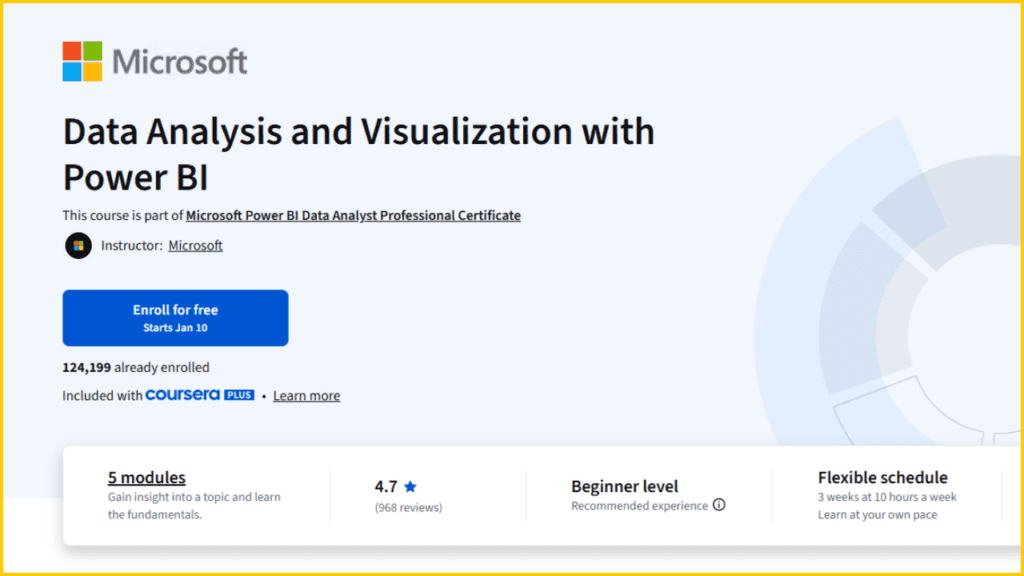
Data Analysis and Visualization with Power BI is a beginner-level course that focuses on transforming data into meaningful insights using interactive reports and dashboards. This course is part of the Microsoft Power BI Data Analyst Professional Certificate and helps learners understand how to analyze data visually and communicate insights effectively. The course emphasizes best practices for report design, accessibility, and data-driven storytelling using Microsoft Power BI.
Course Details
- Platform: Coursera
- Offered By: Microsoft
- Instructor: Microsoft
- Enrollment: 124,199 learners already enrolled
- Included With: Coursera subscription
- Duration: 3 weeks (10 hours per week)
- Difficulty Level: Beginner
- Recommended Experience: No prior experience required
- Pace: Flexible schedule, learn at your own pace
- Learner Satisfaction: ⭐ 4.7 rating (968 reviews)
- Modules: 5 modules
- Course Approval: 94% of learners liked this course
What You Will Learn
- Learn how to add and customize visualizations for reports and dashboards in Power BI.
- Design accessible, user-friendly reports and dashboards that follow visualization best practices.
- Use visualizations to explore data, identify trends, and perform meaningful data analysis.
Course Link: Click Here
How to Enroll For Free Guide : Click here
Course 6: Creative Designing in Power BI
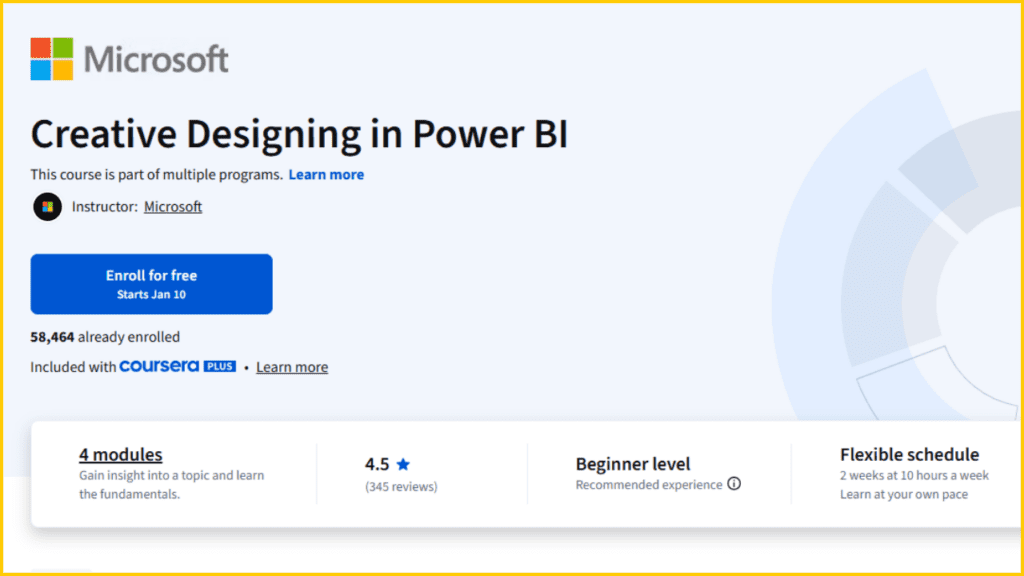
Creative Designing in Power BI is a beginner-level course focused on enhancing the visual appeal and storytelling capability of reports and dashboards in Microsoft Power BI. This course is part of multiple Microsoft programs and helps learners move beyond basic charts to create compelling, cohesive, and interactive dashboards. It emphasizes advanced visualization techniques and creative design elements that improve user engagement and insight delivery.
Course Details
- Platform: Coursera
- Offered By: Microsoft
- Instructor: Microsoft
- Enrollment: 58,464 learners already enrolled
- Included With: Coursera subscription
- Duration: 2 weeks (10 hours per week)
- Difficulty Level: Beginner
- Recommended Experience: No prior experience required
- Pace: Flexible schedule, learn at your own pace
- Learner Satisfaction: ⭐ 4.5 rating (345 reviews)
- Modules: 4 modules
- Course Approval: 93% of learners liked this course
What You Will Learn
- Learn how to design visually compelling and cohesive Power BI reports and dashboards.
- Work in detail with specialist chart visualizations to enhance data storytelling.
- Add advanced elements such as videos, streaming data, and QR codes to Power BI dashboards for richer user interaction.
Course Link: Click Here
How to Enroll For Free Guide : Click here
Course 7: Deploy and Maintain Power BI Assets and Capstone Project
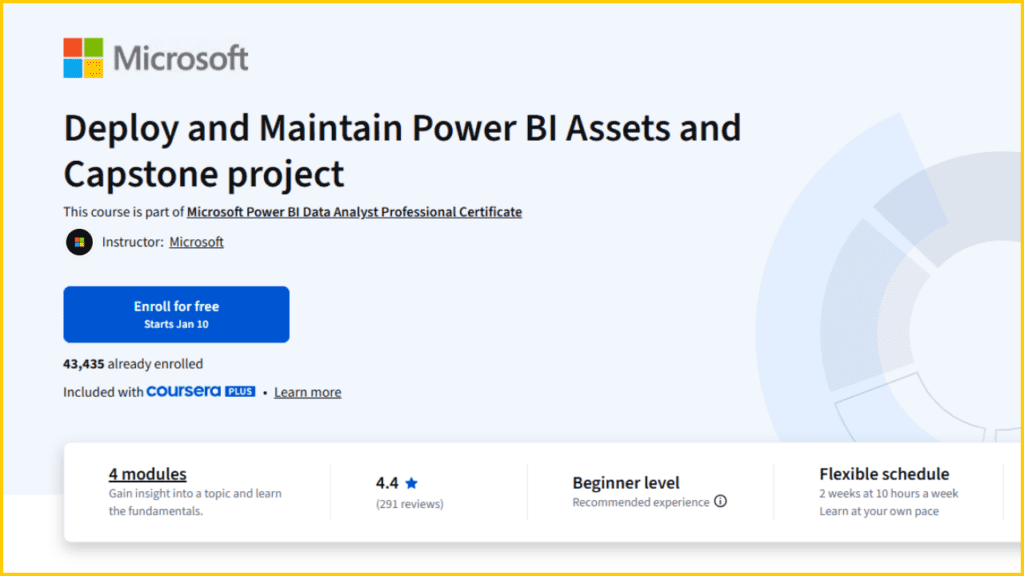
Deploy and Maintain Power BI Assets and Capstone Project is a beginner-level, hands-on course that focuses on deploying, managing, and securing Power BI solutions in real-world environments. This course is part of the Microsoft Power BI Data Analyst Professional Certificate and serves as the capstone experience of the program. Learners apply everything they have learned across previous courses to publish Power BI apps, implement security features, and build dynamic, end-to-end Power BI solutions.
Course Details
- Platform: Coursera
- Offered By: Microsoft
- Instructor: Microsoft
- Enrollment: 43,435 learners already enrolled
- Included With: Coursera subscription
- Duration: 2 weeks (10 hours per week)
- Difficulty Level: Beginner
- Recommended Experience: No prior experience required
- Pace: Flexible schedule, learn at your own pace
- Learner Satisfaction: ⭐ 4.4 rating (291 reviews)
- Modules: 4 modules
- Course Approval: 91% of learners liked this course
What You Will Learn
- Learn how to create, publish, and manage Power BI apps for organizational use.
- Implement dynamic and interactive reports in Power BI for real-time insights.
- Apply security measures, data access controls, and alerting features in Power BI reports and dashboards.
Course Link: Click Here
How to Enroll For Free Guide : Click here
Course 8: Microsoft PL-300 Exam Preparation and Practice
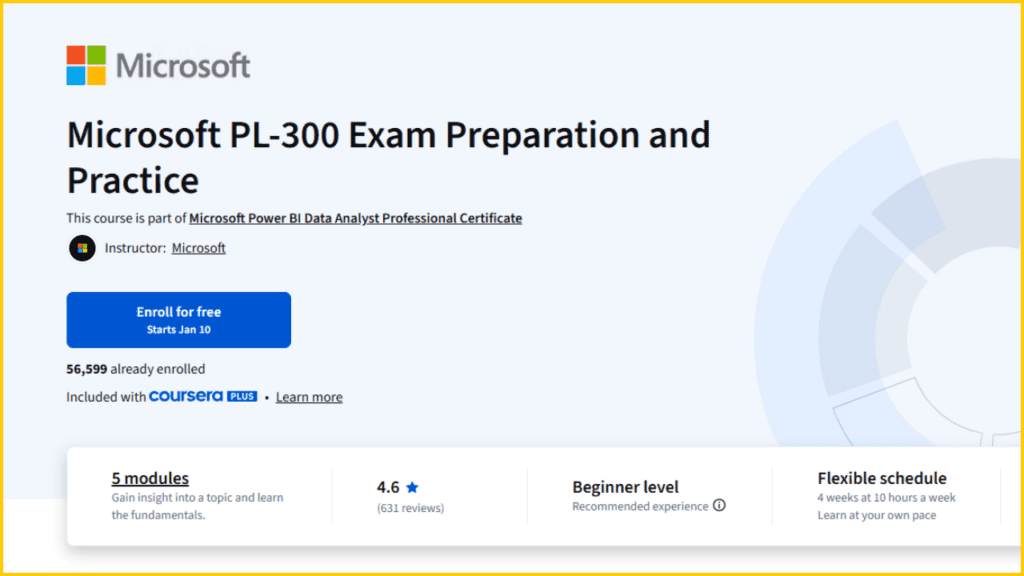
Microsoft PL-300 Exam Preparation and Practice is a beginner-friendly, exam-focused course designed to help learners prepare for the PL-300: Microsoft Power BI Data Analyst certification exam. This course is part of the Microsoft Power BI Data Analyst Professional Certificate and consolidates all key Power BI concepts covered throughout the program. Learners review data preparation, modeling, visualization, deployment, and maintenance while practicing exam-style scenarios. The course also includes a NEW optional module on Generative AI for Power BI, introducing how AI capabilities support modern analytics.
Course Details
- Platform: Coursera
- Offered By: Microsoft
- Instructor: Microsoft
- Enrollment: 56,599 learners already enrolled
- Included With: Coursera subscription
- Duration: 4 weeks (10 hours per week)
- Difficulty Level: Beginner
- Recommended Experience: No prior experience required
- Pace: Flexible schedule, learn at your own pace
- Learner Satisfaction: ⭐ 4.6 rating (631 reviews)
- Modules: 5 modules
- Course Approval: 94% of learners liked this course
What You Will Learn
- Prepare, clean, and transform data using Power BI in alignment with PL-300 exam objectives.
- Model, visualize, and analyze data effectively using Power BI tools and best practices.
- Deploy and maintain Power BI assets, including reports, dashboards, and datasets.
- Explore a NEW optional introduction to Generative AI for Power BI and understand how AI enhances analytics workflows.
Course Link: Click Here
How to Enroll For Free Guide : Click here
Conclusion | IBM Launches AI Developer Certification Courses for 2026
The Microsoft Power BI Data Analyst Professional Certificate is an excellent learning path for beginners and aspiring data analysts who want to build strong, job-ready skills using Microsoft Power BI. From data preparation and modeling to visualization, deployment, and exam preparation, this program covers the complete data analytics lifecycle in a structured and practical way. With flexible learning options, hands-on projects, and an industry-recognized certificate, learners can confidently progress toward data analyst and business intelligence roles. Whether you choose to audit the courses for free or enroll for certification, this program offers a valuable opportunity to start or advance your career in data analytics.
Frequently Asked Questions | IBM Launches AI Developer Certification Courses for 2026
Disclaimer
The information provided in this article is for educational and informational purposes only. Course details, pricing, availability, and certification benefits for the Microsoft Power BI Data Analyst Professional Certificate are subject to change by Coursera or Microsoft without prior notice. Learners are advised to visit the official Coursera course page for the most accurate and up-to-date information before enrolling. This content does not guarantee job placement or certification success, as outcomes depend on individual effort, practice, and market conditions.