
The IBM UI/UX Designer Professional Certificate is a comprehensive, beginner-to-intermediate level program designed to equip learners with the skills needed to thrive in the fast-growing field of UX/UI design. Developed by industry experts at IBM and Skill-Up EdTech, this specialization combines foundational theory with hands-on practice, covering essential topics like user research, wireframing, prototyping, usability testing, visual design principles, and real-world project execution. Whether you’re starting your design journey or looking to enhance your current skills, this program offers the practical knowledge and portfolio-building experience necessary to succeed in today’s competitive design landscape.
Course Description | IBM Launch UI/UX Designer Courses 2025
The IBM UI/UX Designer Professional Certificate provides a thorough and practical learning experience for anyone interested in becoming a UX/UI designer. The program covers all key aspects of UX/UI design, including user research, information architecture, usability principles, wireframing, prototyping, and visual design. Learners gain hands-on experience using industry-standard tools like Figma, Miro, and Draw.io while building job-ready skills through real-world projects and exercises. The capstone project allows participants to apply everything they’ve learned to create a complete UX/UI design project, ready to be showcased in their professional portfolios. This certificate prepares learners for entry-level roles in UX/UI design and equips them with the skills and confidence needed to work on design teams in Agile environments.
Eligibility Criteria | IBM Launch UI/UX Designer Courses 2025
The IBM UI/UX Designer Professional Certificate is designed for beginners and requires no prior experience in design, programming, or technical fields. It is ideal for individuals who are curious about user experience and interface design, career changers, students, or professionals looking to expand their skill set. Basic computer literacy and a willingness to engage with design tools like Figma are helpful but not mandatory. As the program progresses to intermediate-level topics, learners benefit from strong attention to detail, creativity, and a user-centered mindset.
How to Enroll | IBM Launch UI/UX Designer Courses 2025
There are primarily three ways to access and enroll in these IBM Data Science courses on Coursera:
- Enroll for Free (Audit Option): The IBM UI/UX Designer Professional Certificate allows learners to explore its content for free through Coursera’s audit option. By auditing the course, learners can access video lectures, reading materials, and some practice exercises without any payment. However, features like graded assignments, peer-reviewed projects, and the official certificate of completion are only available through the paid option. The audit option is a great way to preview the course content and decide if full enrollment is the right choice.
- Enroll with Certificate Option (Paid): Learners who choose the paid option for the IBM UI/UX Designer Professional Certificate gain full access to all course features, including graded assignments, peer-reviewed projects, hands-on exercises, and the official IBM certificate upon successful completion. This verified certificate can be shared on professional platforms like LinkedIn, added to resumes, and presented to potential employers as proof of job-ready skills in UX/UI design. The paid option also provides additional support and opportunities to fully engage with the course content.
- Consider Coursera Plus: For learners planning to take multiple courses or certifications, subscribing to Coursera Plus can be a cost-effective option. Coursera Plus offers unlimited access to thousands of courses, professional certificates, and specializations, including the IBM UI/UX Designer Professional Certificate. With a single subscription, learners can explore a wide range of topics, upskill across multiple domains, and earn multiple certificates without paying separately for each course, making it ideal for long-term learning goals.
Also Read: Free Data Science course for beginners with certification from Cisco
Course 1: Introduction to UX/UI Design

Course Overview: This course, “Introduction to UX/UI Design,” is a foundational module within the IBM UI/UX Designer Professional Certificate. It introduces learners to the essential concepts, tools, and roles in UX and UI design. The course helps learners differentiate between UX and UI, understand their significance in product development, explore job roles and team dynamics, and gain hands-on experience with industry-standard tools like Figma. Designed for beginners, it offers practical knowledge to help kickstart a successful career in UX/UI design.
Course Details:
Platform: Coursera (part of the IBM UI/UX Designer Professional Certificate)
Instructors: IBM Skills Network Team, Navdeep Malhotra
Enrollment: Data not specified (included with Coursera Plus)
Included With: Coursera Plus
Duration: Approximately 14 hours (about 3 weeks at 4 hours per week)
Difficulty: Beginner level (No prior experience required)
Pace: Flexible schedule, learn at your own pace
Learner Satisfaction: 4.8 stars out of 5 (based on 10 reviews)
Modules: 4 modules
Skills you’ll gain: UX/UI Fundamentals, User Experience vs. User Interface Design, Agile Team Dynamics, Figma Tool Usage
What You Will Learn:
- Gain critical knowledge and skills in UX/UI essentials to launch your UX/UI journey.
- Distinguish between User Experience (UX) and User Interface (UI) design and understand their impact on user satisfaction.
- Apply knowledge of UX/UI roles, job paths, Agile team dynamics, and their alignment with product goals in real-world workflows.
- Gain hands-on experience with tools such as Figma and learn to choose the right tools for different projects and teams.
Course Link: Click Here
Course 2: Introduction to Agile Development and Scrum
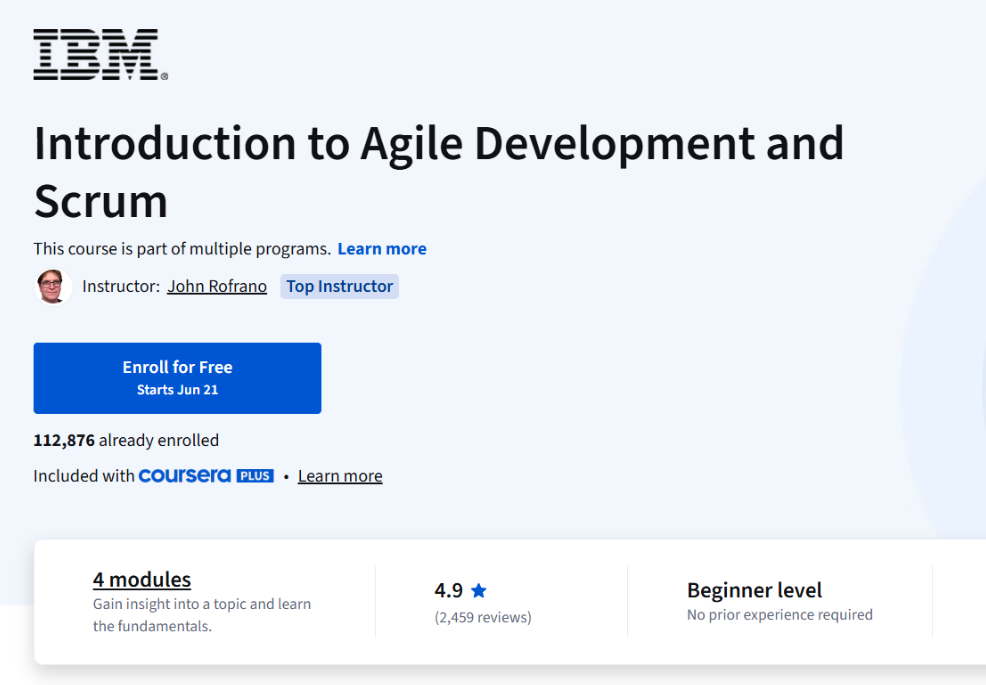
Course Overview: This course, “Introduction to Agile Development and Scrum,” provides learners with a comprehensive introduction to Agile methodologies and Scrum frameworks widely used in software development. The course explores Agile principles, Scrum practices, and DevOps techniques, offering practical skills such as writing user stories, managing product backlogs, sprint planning, and using performance metrics. Taught by expert instructor John Rofrano, this course equips learners with essential tools to effectively manage Agile projects and deliver high-quality software products.
Course Details:
Platform: Coursera (part of multiple programs)
Instructor: John Rofrano
Enrollment: 112,876 already enrolled
Included With: Coursera Plus
Duration: Approximately 11 hours
Difficulty: Beginner level (No prior experience required)
Pace: Flexible schedule, learn at your own pace
Learner Satisfaction: 4.9 stars out of 5 (based on 2,459 reviews), with 98% of learners liking the course.
Modules: 4 modules
Skills you’ll gain: Agile Development, Scrum Framework, User Stories, Sprint Planning, Backlog Management, DevOps Practices, Performance Metrics
What You Will Learn:
- Adopt the 5 practices of Agile, a subset of DevOps: small batches, minimum viable product, pair programming, behavior- and test-driven development.
- Write good user stories, estimate and assign story points, and track stories using a kanban board. Incorporate Scrum artifacts, events, and benefits.
- Create and refine a product backlog using the sprint planning process. Produce potentially shippable product increments with every iteration.
- Create burndown charts to forecast the ability to meet a sprint goal. Use metrics to enhance performance, productivity, and client satisfaction.
Course Link: Click Here
Course 3: UX/UI Design Fundamentals: Usability and Visual Principles
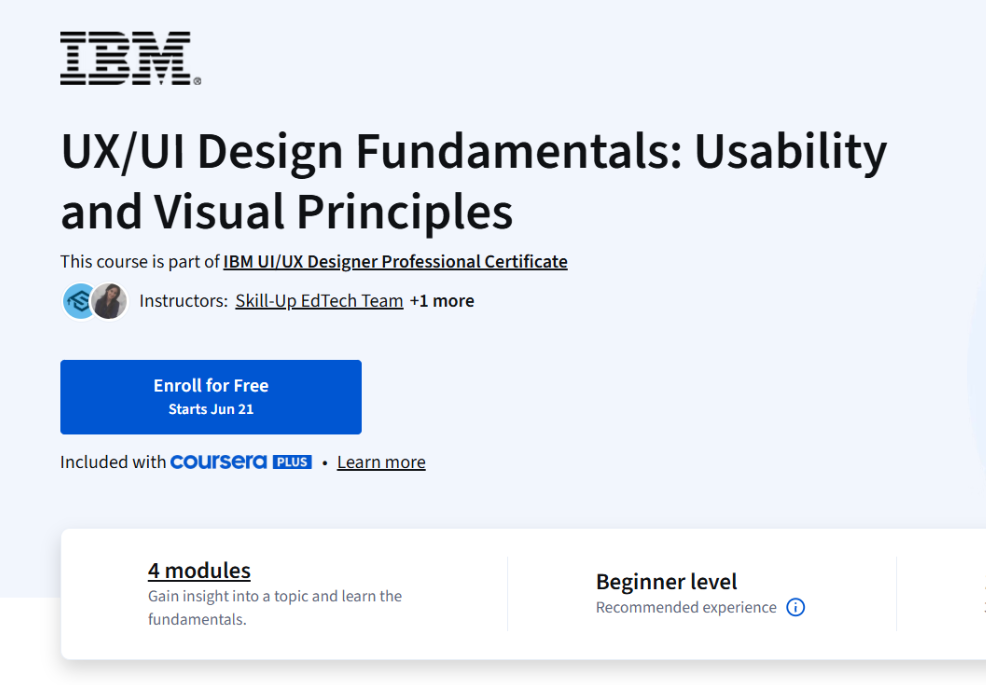
Course Overview: This course, “UX/UI Design Fundamentals: Usability and Visual Principles,” is a key module within the IBM UI/UX Designer Professional Certificate. It equips learners with essential UX/UI skills to conduct user research, analyze competitors, and evaluate usability. The course emphasizes visual design principles including typography, color theory, and layout, while providing hands-on experience in creating interactive prototypes and microinteractions using tools like Figma, Miro, and Draw.io. Ideal for beginners, this course helps build job-ready skills to launch a successful UX/UI design career.
Course Details:
Platform: Coursera (part of the IBM UI/UX Designer Professional Certificate)
Instructors: Skill-Up EdTech Team, Richa Arora
Enrollment: Data not specified (included with Coursera Plus)
Included With: Coursera Plus
Duration: Approximately 14 hours (about 3 weeks at 4 hours per week)
Difficulty: Beginner level (No prior experience required)
Pace: Flexible schedule, learn at your own pace
Learner Satisfaction: Rating data not specified
Modules: 4 modules
Skills you’ll gain: UX/UI Fundamentals, User Research, Competitor Analysis, Heuristic Evaluation, Visual Design Principles, Prototyping, Microinteractions
What You Will Learn:
- Build job-ready skills in UX/UI fundamentals to kickstart your UI/UX career journey.
- Conduct user research, competitor analysis, and heuristic evaluations to identify usability issues and enhance user experiences.
- Apply visual design principles such as typography, color theory, and layout techniques to create visually appealing and functional interfaces.
- Gain hands-on experience designing interactive prototypes and microinteractions using tools like Figma, Miro, and Draw.io to boost user engagement.
Course Link: Click Here
Also Read: Best Free Course For Jobseekers | TCS Career Edge
Course 4: UI/UX Wireframing and Prototyping with Figma

Course Overview: This course, “UI/UX Wireframing and Prototyping with Figma,” is an advanced module within the IBM UI/UX Designer Professional Certificate. It focuses on practical skills in wireframing and prototyping using Figma, guiding learners from low-fidelity to high-fidelity designs. The course teaches industry-standard layout techniques, usability testing, responsive design, and the application of Gestalt principles. Learners also gain experience collaborating on Figma projects with shared libraries, version control, and design system best practices, preparing them for real-world team environments.
Course Details:
Platform: Coursera (part of the IBM UI/UX Designer Professional Certificate)
Instructors: Sandeep Virani, Skill-Up EdTech Team
Enrollment: Data not specified (included with Coursera Plus)
Included With: Coursera Plus
Duration: Approximately 18 hours (about 3 weeks at 6 hours per week)
Difficulty: Intermediate level (Recommended experience: basic knowledge of UX/UI principles and familiarity with Figma is helpful)
Pace: Flexible schedule, learn at your own pace
Learner Satisfaction: Rating data not specified
Modules: 5 modules
Skills you’ll gain: Wireframing, Prototyping, Figma Collaboration, Usability Testing, Gestalt Principles, Responsive Design, Design Systems
What You Will Learn:
- Create low-fi to high-fi wireframes in Figma using grids, components, and industry-standard layout techniques.
- Build interactive prototypes in Figma, and conduct usability tests to evaluate and refine UX flows.
- Implement Gestalt principles and responsive design strategies to optimize interfaces for cross-device usability.
- Collaborate on Figma projects using shared libraries, enable version control, and implement design system best practices.
Course Link: Click Here
Course 5: UX Research and Information Architecture
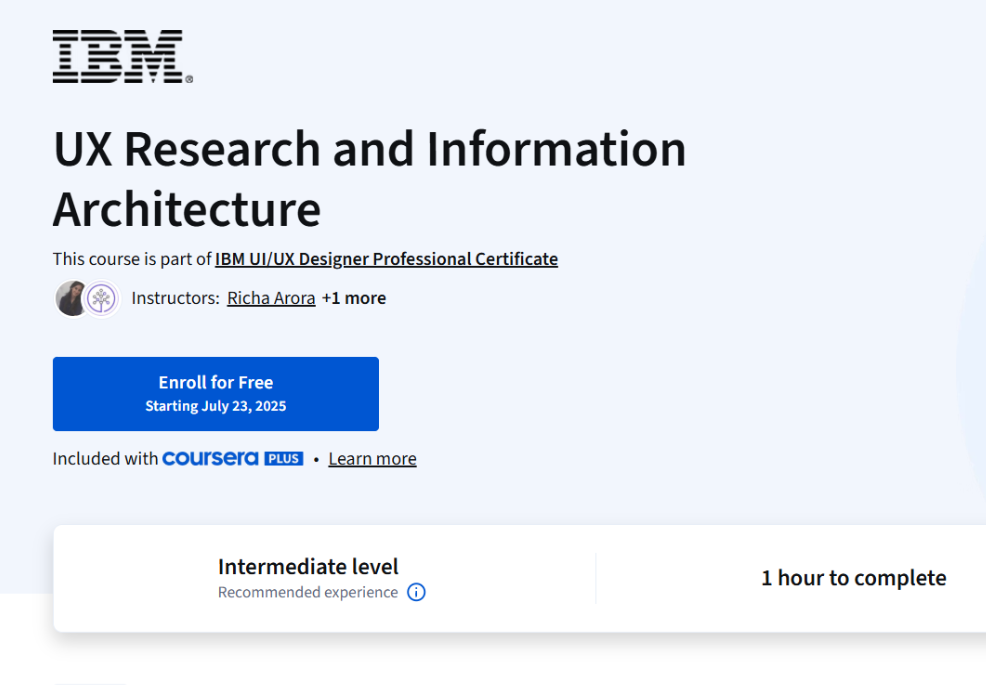
Course Overview: This course, “UX Research and Information Architecture,” is an intermediate module within the IBM UI/UX Designer Professional Certificate. It equips learners with practical skills to conduct UX research using both qualitative and quantitative methods, enabling them to generate actionable insights. The course covers the creation of user personas, journey maps, and user needs, applying research throughout the product lifecycle, including A/B testing and accessibility testing. Learners also gain expertise in designing intuitive content structures using Information Architecture (IA) principles such as sitemaps and navigation systems.
Course Details:
Platform: Coursera (part of the IBM UI/UX Designer Professional Certificate)
Instructors: Richa Arora, IBM Skills Network Team
Enrollment: Data not specified (included with Coursera Plus)
Included With: Coursera Plus
Duration: Approximately 1 hour
Difficulty: Intermediate level (Recommended experience: basic understanding of UX/UI principles)
Pace: Flexible schedule, learn at your own pace
Learner Satisfaction: Rating data not specified
Modules: Content structured into core learning outcomes
Skills you’ll gain: UX Research Methods, User Personas, Journey Mapping, A/B Testing, Accessibility Testing, Information Architecture, Sitemaps, Navigation Design
What You Will Learn:
- Use qualitative and quantitative methods to generate actionable research insights.
- Create personas, user needs, and journey maps to align with user goals.
- Apply UX research throughout the product lifecycle, including A/B and accessibility testing.
- Design intuitive content structures using IA principles, including sitemaps and navigation systems.
Course Link: Click Here
Course 6: Capstone Project: Applying UX/UI Design in Real World
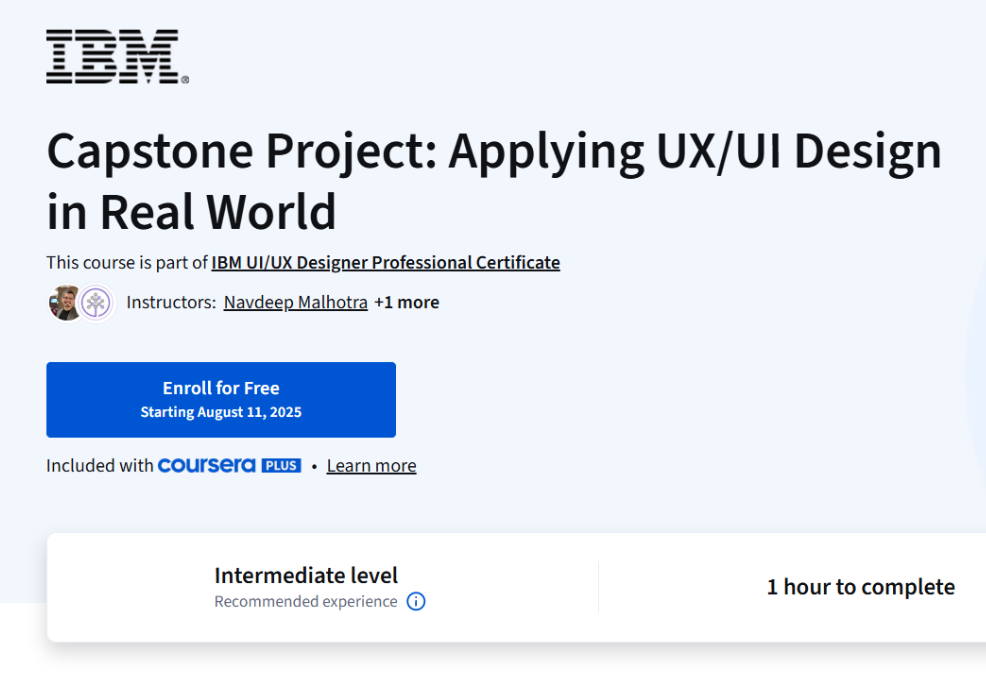
Course Overview: This course, “Capstone Project: Applying UX/UI Design in Real World,” is the final module within the IBM UI/UX Designer Professional Certificate. It allows learners to apply the skills and knowledge they have developed throughout the program to complete a real-world UX/UI design project. Participants will document their design process, present project outcomes, and demonstrate proficiency with design tools, showcasing their ability to deliver impactful design solutions aligned with user needs and business goals.
Course Details:
Platform: Coursera (part of the IBM UI/UX Designer Professional Certificate)
Instructors: Navdeep Malhotra, IBM Skills Network Team
Enrollment: Data not specified (included with Coursera Plus)
Included With: Coursera Plus
Duration: Approximately 1 hour
Difficulty: Intermediate level (Recommended experience: completion of prior courses in the IBM UI/UX Designer Professional Certificate)
Pace: Flexible schedule, learn at your own pace
Learner Satisfaction: Rating data not specified
Modules: Capstone project (single final module)
Skills you’ll gain: UX/UI Project Execution, Design Documentation, Portfolio Presentation, Design Tools Proficiency, Real-World Problem Solving
What You Will Learn:
- Apply the skills and knowledge gained throughout the program to complete a real-world UX/UI design project.
- Document and present project activities and outcomes to demonstrate design impact.
- Demonstrate proficiency in using design tools and methodologies covered throughout the specialization.
Course Link: Click Here
Conclusion | IBM Launch UI/UX Designer Courses 2025
The IBM UI/UX Designer Professional Certificate offers a comprehensive, hands-on learning journey for anyone aspiring to build a career in UX/UI design. Covering everything from the fundamentals of UX and UI, user research, wireframing, prototyping, to real-world project execution, this specialization provides both the theoretical knowledge and practical experience necessary to succeed in the industry. With expert instruction, access to industry-standard tools like Figma and Miro, and real-world capstone projects, learners graduate from the program job-ready, equipped with a portfolio of projects and the skills needed to design user-centered, visually compelling, and functional digital experiences.
Frequently Asked Questions
Disclaimer
The information provided about the IBM UI/UX Designer Professional Certificate is for general informational and educational purposes only. Course content, features, pricing, and availability are subject to change by Coursera and IBM at any time without prior notice. Learners are encouraged to visit the official Coursera course page to verify the latest details, including enrollment options, course structure, and certification requirements before making any enrollment decisions.