
In today’s visually-driven world, strong design skills can open doors to countless creative career opportunities. Adobe, in collaboration with Coursera, has launched a comprehensive Graphic Designer Professional Certificate designed to equip learners with the tools, techniques, and industry-relevant experience needed to thrive in the digital design landscape. Whether you’re an aspiring graphic designer, content creator, or marketing professional, these beginner-friendly courses—ranging from design fundamentals to advanced tools like Photoshop and Illustrator—offer a flexible, hands-on path to mastering modern design with the power of AI.
Course Description | Adobe Launches Graphic Design Courses 2025
The Adobe Graphic Designer Professional Certificate is a beginner-friendly, hands-on program created by Adobe and hosted on Coursera. It includes five in-depth courses: Design Fundamentals with AI, Generative AI Content Creation, Image Editing, Graphic Design, and Document Design. Each course is structured to help learners build practical design skills using industry-leading Adobe tools such as Photoshop, Illustrator, and Adobe Express. Through this program, learners will explore the fundamentals of graphic and document design, create visually compelling content, enhance workflows with generative AI, and develop a professional portfolio. With flexible scheduling and no prior experience required, this program is ideal for students, career switchers, or creatives looking to upskill and start a successful design career.
Eligibility Criteria | Adobe Launches Graphic Design Courses 2025
The Adobe Graphic Designer Professional Certificate is designed for beginners and requires no prior experience in graphic design, image editing, or working with Adobe software. Whether you’re a student, creative enthusiast, content creator, or a professional looking to upskill, this program is accessible to all learners with basic computer literacy. An interest in design, creativity, and a willingness to explore tools like Adobe Photoshop, Illustrator, and Express will help learners succeed. The courses are self-paced, making them ideal for individuals with varying schedules and learning preferences.
How to Enroll | Adobe Launches Graphic Design Courses 2025
There are primarily three ways to access and enroll in these IBM Data Science courses on Coursera:
- Enroll for Free (Audit Option): Learners interested in the Adobe Graphic Designer Professional Certificate can start for free using Coursera’s audit option. This allows access to course videos, reading materials, and some hands-on content without any payment. However, features like graded assignments, peer-reviewed projects, and the official certificate of completion are only available through the paid version. The audit option is a great way to explore the course content, get a feel for the platform, and evaluate whether the full certificate path fits your learning and career goals before committing financially.
- Enroll with Certificate Option (Paid): By choosing the paid enrollment option for the Adobe Graphic Designer Professional Certificate, learners gain full access to all course materials, including graded assignments, peer-reviewed projects, hands-on exercises, and exclusive learning resources. Upon successful completion, you will receive a verified certificate from Adobe and Coursera, which can be added to your resume or LinkedIn profile to showcase your skills to potential employers. This option is ideal for serious learners who want a structured, credentialed learning experience and are committed to building a professional design portfolio that stands out in today’s competitive job market.
- Consider Coursera Plus: For learners planning to pursue multiple courses or earn several professional certificates, Coursera Plus offers a highly cost-effective and flexible option. With a single subscription, you gain unlimited access to thousands of courses—including all five courses within the Adobe Graphic Designer Professional Certificate. This means you can explore various topics, develop a broad range of creative and technical skills, and earn multiple certificates without paying separately for each course. Coursera Plus is ideal for long-term learners who are serious about upskilling, building a strong portfolio, and advancing their careers in design and other in-demand fields.
Also Read: Free Data Science course for beginners with certification from Cisco
Course 1: Design Fundamentals with AI
Course Overview:
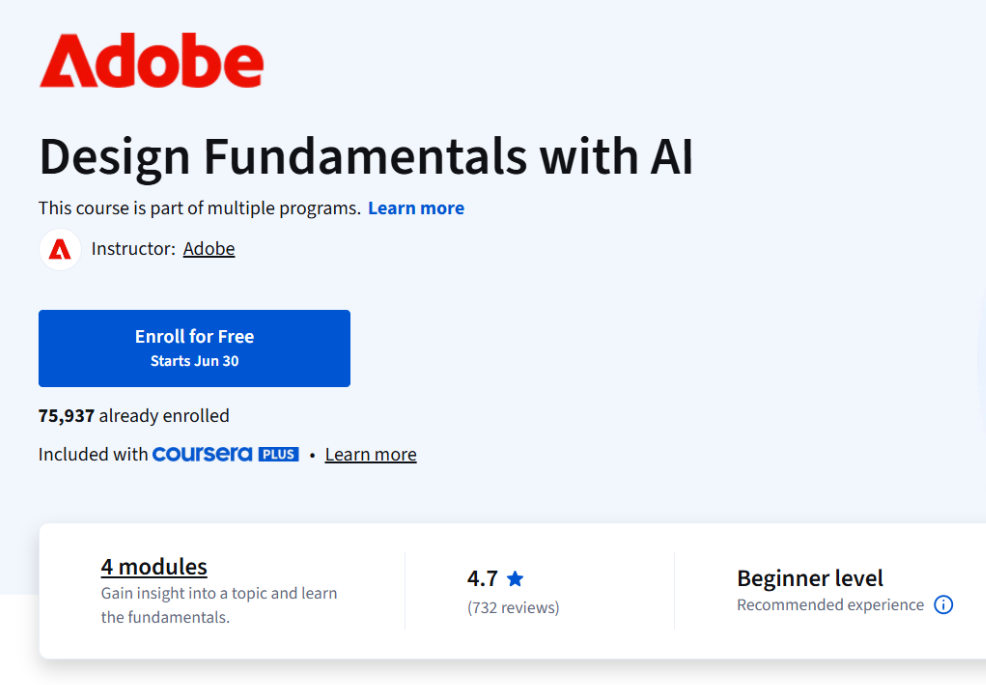
The “Design Fundamentals with AI” course by Adobe is an excellent starting point for anyone looking to build design skills for content creation, marketing, or digital media. Whether you’re a complete beginner or someone exploring a creative career, this course helps you understand core design principles, apply them across platforms, and leverage AI tools to accelerate your creative workflow. With hands-on projects using Adobe Express, you’ll be able to build a professional-quality portfolio that sets you apart in the digital content space.
Course Details:
Modules: 4 modules
Platform: Coursera (part of multiple programs)
Instructor: Adobe
Enrollment: 75,937 already enrolled
Included With: Coursera Plus
Duration: Approx. 20 hours
Difficulty: Beginner level (No prior experience required)
Pace: Flexible schedule, learn at your own pace
Learner Satisfaction: 4.7 stars (based on 732 reviews), with 98% liking the course
What You Will Learn:
- Apply essential design principles to create professional and visually appealing content.
- Explore different career paths in design and identify key skills needed for success.
- Use Adobe Express to build polished, high-impact content for your portfolio.
- Speed up your design process by integrating AI-powered tools into your workflow.
Course Link: Click Here
Course 2: Generative AI Content Creation
Course Overview:
The “Generative AI Content Creation” course by Adobe is a beginner-friendly, hands-on program designed to introduce learners to the power of generative AI in creative design. Perfect for content creators, marketers, designers, and tech-savvy professionals, this course covers foundational AI concepts and how to use AI tools to create engaging visual and written content. You’ll also learn the ethical considerations of AI in design and explore practical ways to streamline creative workflows using AI, helping you work smarter and faster.
Course Details:
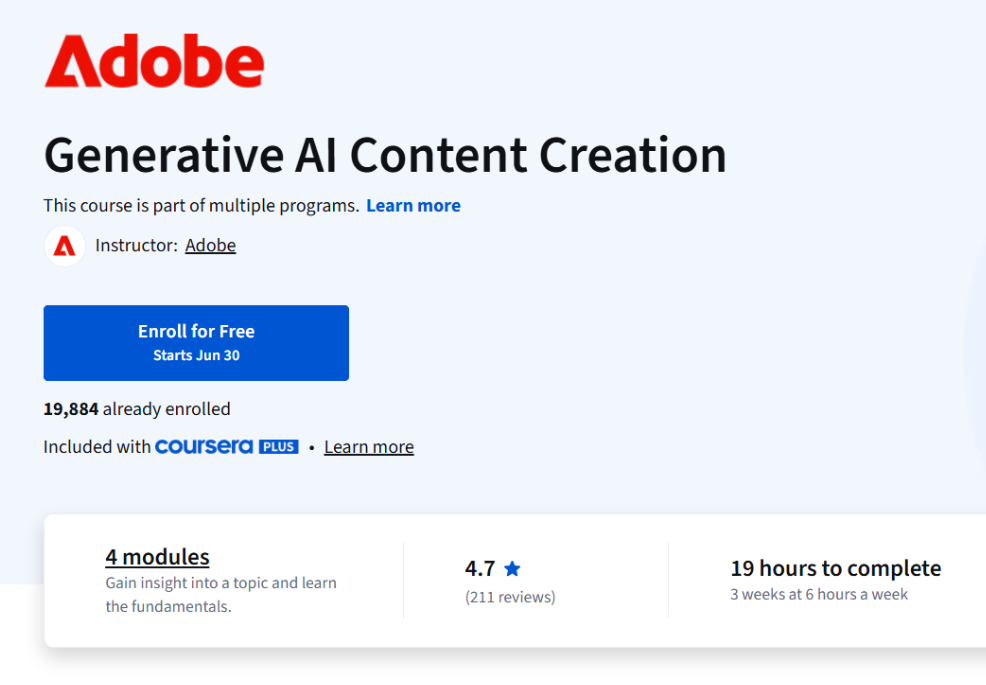
Modules: 4 modules
Platform: Coursera (part of multiple programs)
Instructor: Adobe
Enrollment: 19,884 already enrolled
Included With: Coursera Plus
Duration: Approx. 19 hours (3 weeks at 6 hours/week)
Difficulty: Beginner level (No prior experience required)
Pace: Flexible schedule, learn at your own pace
Learner Satisfaction: 4.7 stars (based on 211 reviews), with 97% of learners liking the course
What You Will Learn:
- Understand what generative AI is and grasp the core concepts behind its use in modern design.
- Apply AI tools to create unique, standout content across visual and text formats.
- Address ethical issues and follow best practices for using generative AI responsibly.
- Leverage AI to boost productivity and enhance your creative workflow efficiency.
Course Link: Click Here
Course 3: Image Editing

Course Overview:
The “Image Editing” course by Adobe is tailored for aspiring graphic designers and creative professionals looking to develop essential photo editing and visual design skills. In this beginner-level course, learners will explore foundational image editing principles and gain practical experience using Adobe Photoshop. Through engaging projects, you’ll build a standout portfolio that showcases your editing expertise—perfect for boosting your career in design and content creation.
Course Details:
Modules: 4 modules
Platform: Coursera (part of the Adobe Graphic Designer Professional Certificate)
Instructor: Adobe
Enrollment: 8,651 already enrolled
Included With: Coursera Plus
Duration: Approx. 17 hours (3 weeks at 5 hours/week)
Difficulty: Beginner level (No prior experience required)
Pace: Flexible schedule, learn at your own pace
Learner Satisfaction: 4.7 stars (based on 70 reviews), with 96% of learners liking the course
What You Will Learn:
- Master the core principles of image editing to craft visually stunning and effective designs.
- Use Adobe Photoshop for hands-on, professional-quality editing projects.
- Build a polished portfolio that highlights your design and editing skills, ideal for freelance or agency work.
- Develop a creative workflow that enhances visual impact and audience engagement.
Course Link: Click Here
Also Read: Best Free Course For Jobseekers | TCS Career Edge
Course 4: Graphic Design
Course Overview:
The “Graphic Design” course by Adobe is designed to introduce learners to the essential principles and practices of modern graphic design. Whether you’re an aspiring designer or a creative professional, this beginner-level course helps you develop a strong foundation in visual communication using industry-standard tools like Adobe Illustrator. You’ll gain practical experience through hands-on projects and build a job-ready portfolio that showcases your artistic and technical capabilities.
Course Details:
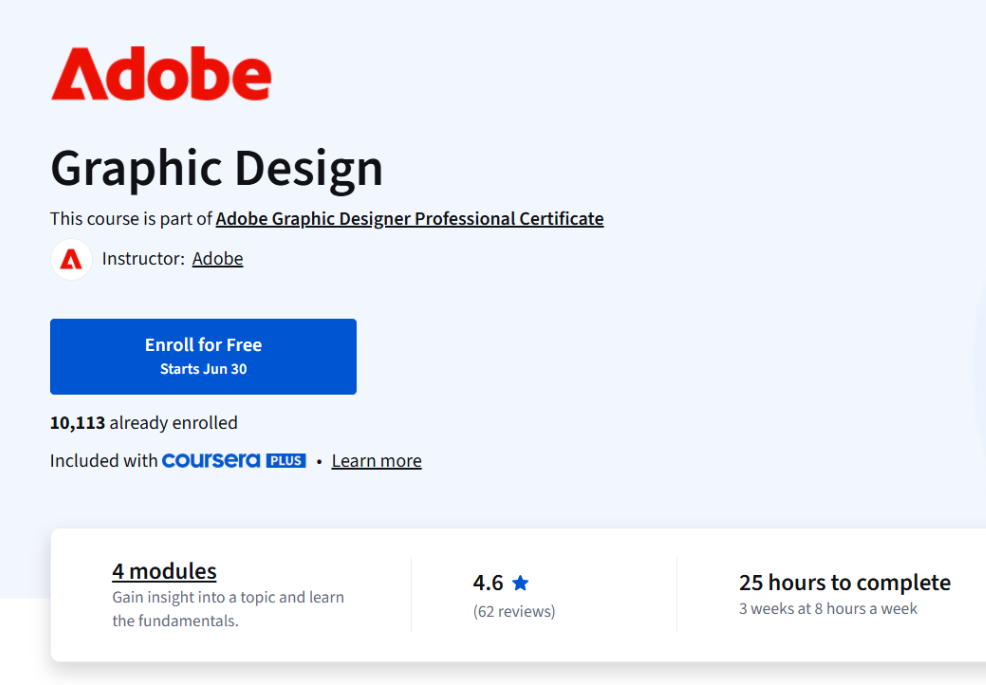
Modules: 4 modules
Platform: Coursera (Part of the Adobe Graphic Designer Professional Certificate)
Instructor: Adobe
Enrollment: 10,113 already enrolled
Included With: Coursera Plus
Duration: Approx. 25 hours (3 weeks at 8 hours/week)
Difficulty: Beginner level (No prior experience required)
Pace: Flexible schedule, learn at your own pace
Learner Satisfaction: 4.6 stars (based on 62 reviews), with 94% of learners liking the course
What You Will Learn:
- Apply the core principles of graphic design to create engaging, professional-quality visuals.
- Gain hands-on experience using Adobe Illustrator to produce original design work.
- Develop and refine your personal style through creative exercises and real-world design challenges.
- Build a standout portfolio that highlights your graphic design and illustration abilities—ideal for freelancers, agencies, or job seekers.
Course Link: Click Here
Course 5: Document Design
Course Overview:
The “Document Design” course by Adobe empowers learners to master the art of creating clear, effective, and visually appealing documents. Tailored for beginners and creative professionals alike, this course focuses on the principles of layout, formatting, and document organization using industry-standard tools. Learners will build practical skills and develop a professional portfolio of high-quality documents suited for real-world business, marketing, and creative scenarios.
Course Details:
Platform: Coursera (Part of the Adobe Graphic Designer Professional Certificate)
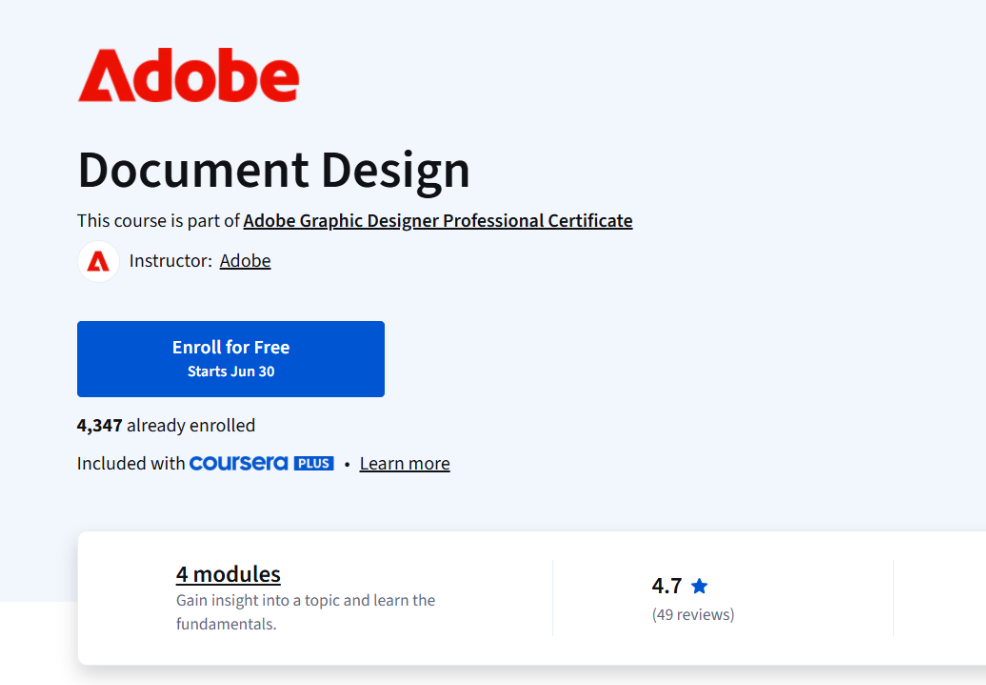
Instructor: Adobe
Enrollment: 4,347 already enrolled
Included With: Coursera Plus
Duration: Approx. 25 hours (3 weeks at 8 hours/week)
Difficulty: Beginner level (No prior experience required)
Pace: Flexible schedule, learn at your own pace
Learner Satisfaction: 4.7 stars (based on 49 reviews)
Modules: 4 modules
What You Will Learn:
- Master document design fundamentals to create polished, professional-grade files.
- Explore various document creation and management tools used in the industry.
- Apply principles of formatting, structure, and layout to craft effective content presentations.
- Build a portfolio of high-quality documents showcasing your ability to manage, organize, and design content with precision and creativity.
Course Link: Click Here
Conclusion | Adobe Launches Graphic Design Courses 2025
The Adobe Graphic Designer Professional Certificate is a well-rounded program crafted for aspiring designers, career switchers, and creative professionals aiming to level up their design skills. Whether you’re starting with foundational principles or exploring advanced techniques with AI tools, these five courses—Design Fundamentals with AI, Generative AI Content Creation, Image Editing, Graphic Design, and Document Design—offer a step-by-step, project-based learning experience.
Learners not only gain hands-on experience with industry-standard tools like Adobe Express, Photoshop, and Illustrator but also build a powerful portfolio that demonstrates creativity, technical proficiency, and a clear understanding of modern design workflows. With flexible schedules, expert instruction, and beginner-friendly content, this certificate program empowers you to confidently step into the design industry or enhance your current career path.
Don’t miss the chance to future-proof your creative journey—start learning with Adobe on Coursera today!
Frequently Asked Questions
Disclaimer
The information provided in this blog post is for educational and informational purposes only. While every effort has been made to ensure accuracy, course details, pricing, enrollment numbers, instructor information, and availability are subject to change at any time by Adobe or Coursera without prior notice. This blog post does not represent any official endorsement, partnership, or sponsorship by Adobe or Coursera. Readers are advised to visit the official Coursera course pages for the most current and accurate information before enrolling in any course.